Просмотр новости
Найдите то, что Вас интересует
 Спутники
 РН
РН SpaceX
 Роскосмос
 NASA
NASA
СпутникиРНSpaceXРоскосмосNASA
Microsoft Learning Zone uses AI to help educators teach with interactive lessons.
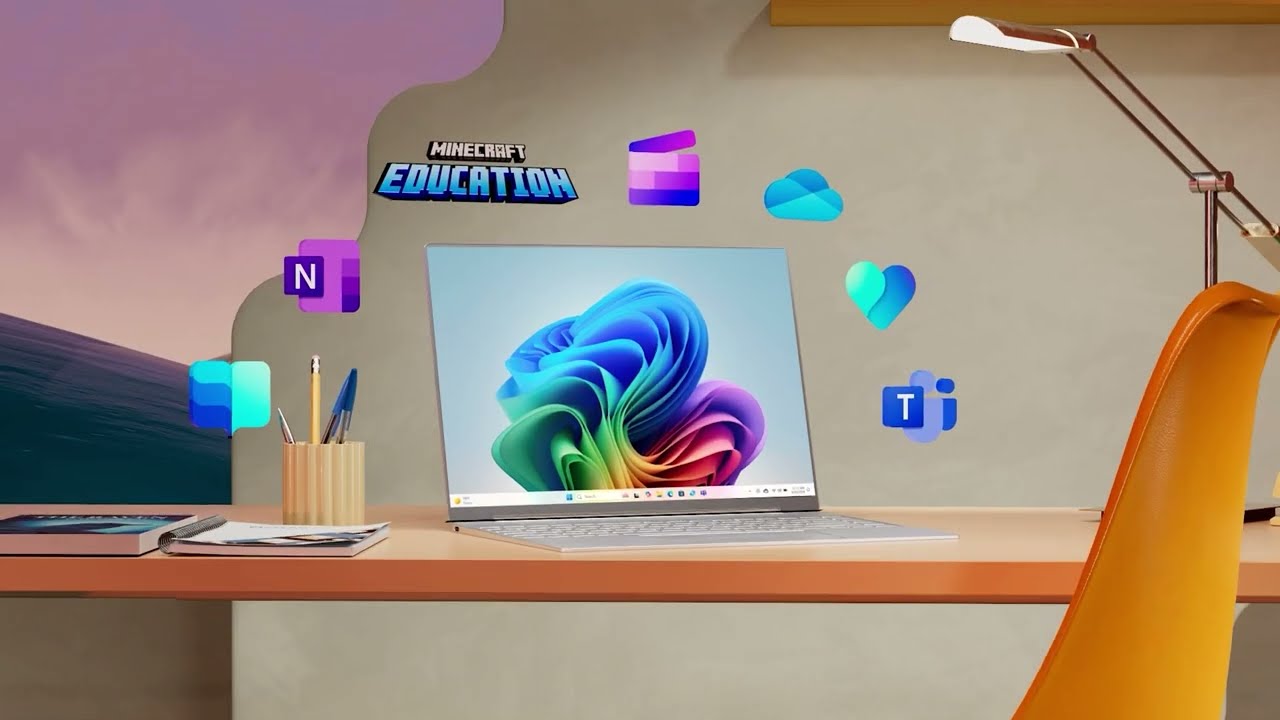 (Image credit: Microsoft)
Microsoft Learning Zone is an AI-powered tool designed to help educators turn teaching ideas and existing materials into interactive lessons.
Teachers can describe what they want to teach, add source material, and set parameters such as grade level and activity type, before the app generates an editable lesson, containing instructions and practice activities.
The aim is to speed up lesson creation while still leaving the teacher in control. Once a lesson has been generated, every part can be reviewed, edited, removed, or reorganized before it is shared with students.
So what exactly is Microsoft Learning Zone, how does it work and what do educators need to get started?
What is Microsoft Learning Zone?Microsoft Learning Zone Overview - YouTube

Microsoft Learning Zone is a Windows app that uses AI to help educators create personalized and interactive learning activities.
A teacher can start with a simple lesson idea or add their own reference material, including uploaded or cloud-based files. They can then specify details including the age or grade level, activity type, language, and number of slides.
The AI generates a lesson outline first, allowing the teacher to review and adjust the structure before turning it into a complete interactive lesson.
Tools and ideas to transform education. Sign up below.
Students can then work through the lesson at their own pace, completing instructional and practice activities. Lessons can be shared using a link or join code, or posted through Microsoft Teams or a compatible LMS.
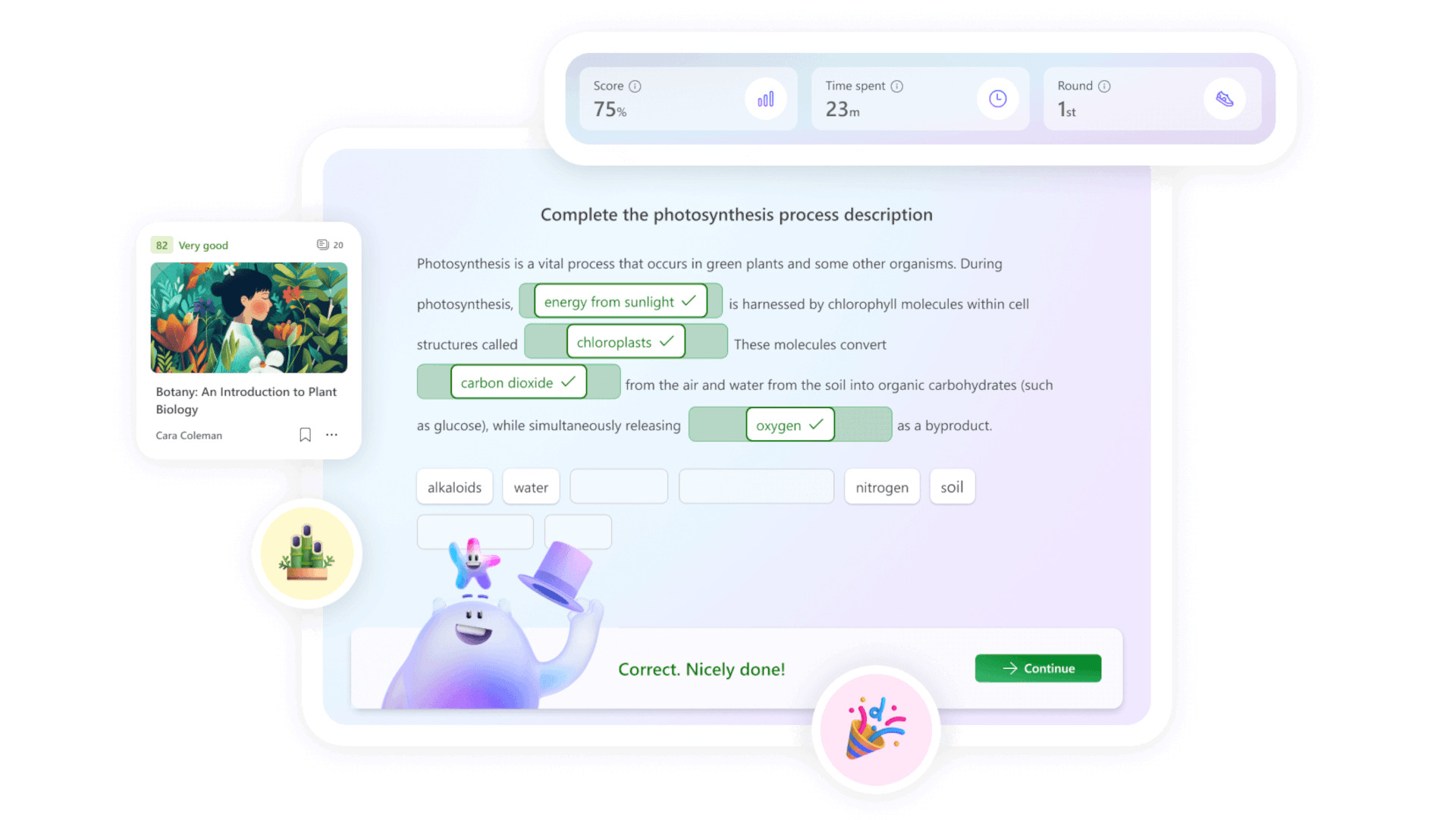
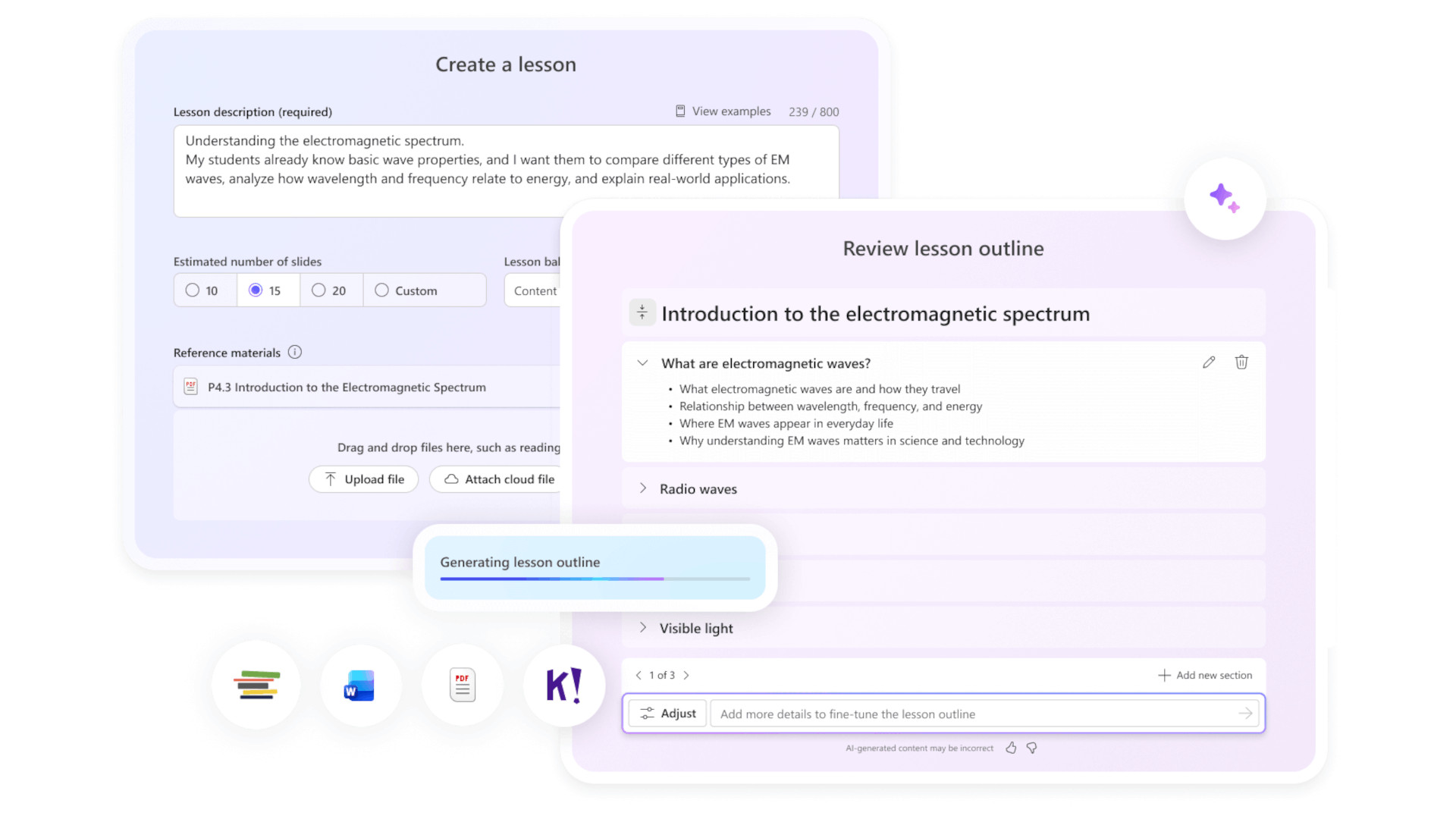
The process starts with a teacher entering a lesson prompt and, when useful, adding their own source material.
Learning Zone uses this information to generate a lesson outline, which can be edited before the complete lesson is created. Teachers can then modify individual slides, including changing text and images, adjusting questions and answers, adding new content, or asking the AI to regenerate material.
Separate editing and playback modes are available, so educators can check the lesson from a student's perspective before assigning it.
Completed lessons can be shared using a link or join code, or distributed through Microsoft Teams and compatible learning management systems.
Students can work through the material at their own pace, while teachers can use the available reporting features to see participation and average scores.
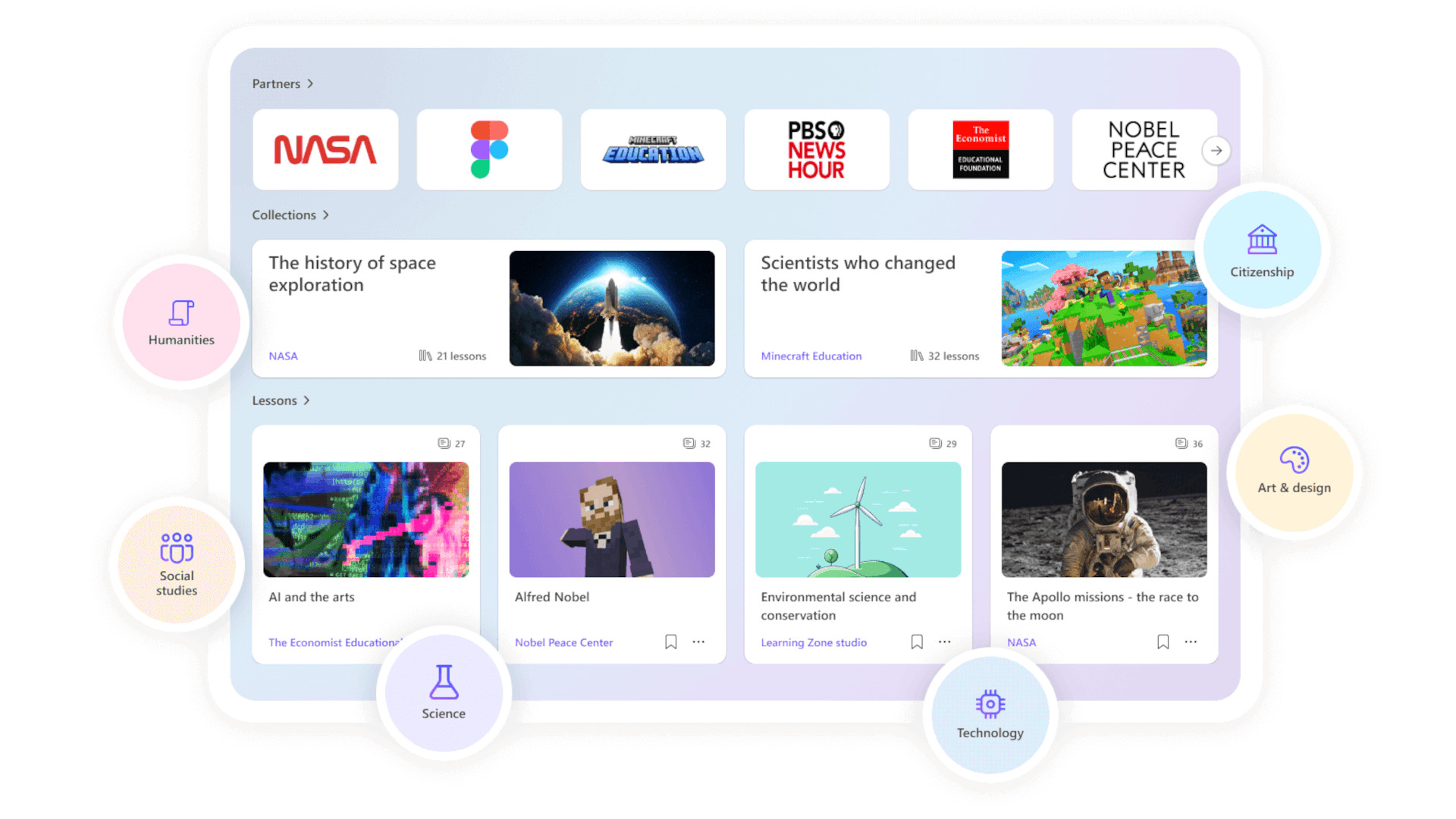
The biggest strength is the combination of AI generation and teacher control.
The outline-first approach is useful because it gives educators an opportunity to fix the structure of a lesson before spending time reviewing the finished content. That can make AI-assisted planning feel more like having a fast first draft than accepting a finished lesson on blind trust.
The ability to use existing teaching resources is another helpful feature. Teachers can provide their own material so that generated activities are based on content they actually want students to learn, rather than relying entirely on a generic AI response.
Learning Zone can also create interactive practice and conditional slides, allowing the experience to respond differently depending on how students answer questions.
For teachers, the reporting tools add another practical benefit. Rather than simply sharing an AI-generated activity, educators can see how students have engaged with it and where additional support may be needed.
Microsoft says Learning Zone is included with Microsoft 365 Education licenses at no additional cost.
However, there is an important hardware requirement: Educators creating lessons need a Copilot+ PC as well as a Microsoft 365 Education A1, A3, or A5 license.
Students do not need a Copilot+ PC to access lessons, and can open any through the web or on devices already used by their school.
At the time of writing, lesson generation is supported in English and Spanish.
Microsoft Learning Zone TipsLuke Edwards is a freelance writer and editor with more than two decades of experience covering tech, science, and health. He writes for many publications covering health tech, software and apps, digital teaching tools, VPNs, TV, audio, smart home, antivirus, broadband, smartphones, cars and much more.
| # | Наименование новости | Тональность | Информативность | Дата публикации |
|---|---|---|---|---|
| 1 | 8 of the Best AI Teaching Tools | 0 | 10.41 | 17-08-2026 |
| 2 | What is Atlas and How Can I Use It To Teach? | 0 | 11.3 | 17-08-2026 |
| 3 | AI tool makes culturally appropriate lessons for teachers in India | 0 | 6.32 | 08-10-2026 |
| 4 | Stop Trying to Detect AI. Start Creating Better Assignments | 0 | 8.89 | 05-10-2026 |
| 5 | What Effective AI Professional Learning Should Look Like | 0 | 8.71 | 31-08-2026 |
| 6 | PowerPoint’s Speaker Coach Is A Harsh But Mostly Helpful AI Mentor | 0 | 10.38 | 26-08-2026 |
| 7 | Learning math goes (slightly) better with AI, but human teacher plays a key role | 0 | 9.22 | 01-10-2026 |
| 8 | From Passive to Active Reading: Student Engagement in the Age of AI | 0 | 9.14 | 06-10-2026 |
| 9 | Using AI for feedback, not ready-made answers, may help students earn higher grades | 0 | 5.44 | 07-10-2026 |
| 10 | What Teacher Education Should Look Like in the Age of AI | 0 | 5.74 | 14-10-2026 |